01
License Category One
- Account information services
- Payment initiation and/or acquiring services
- Fund source administration
- Remittance services
Send and receive money, at home and abroad, faster and more safely. One integrated system speeds up every transfer and helps prevent transaction errors.
Built for PJP licensing
Remittance Bridge comes with open banking technology following the Bank Indonesia SNAP standard — one of the requirements for obtaining a payment service provider (PJP) license.
01
02
03
Remittance services sit in Category One and Category Three.
Based on Bank Indonesia Regulation No. 23/6/PBI/2021 on Payment Service Providers.
As one of the largest senders of migrant workers, Indonesia sees a large volume of remittance, flowing from the income of its workers abroad.
295,439
Indonesian migrant workers placed abroad throughout 2024.
Source: Ministry of P2MI, via detikNewsMillion USD per quarter — up in the second quarter.
Source: Bank Indonesia, via Trading EconomicsBenefits
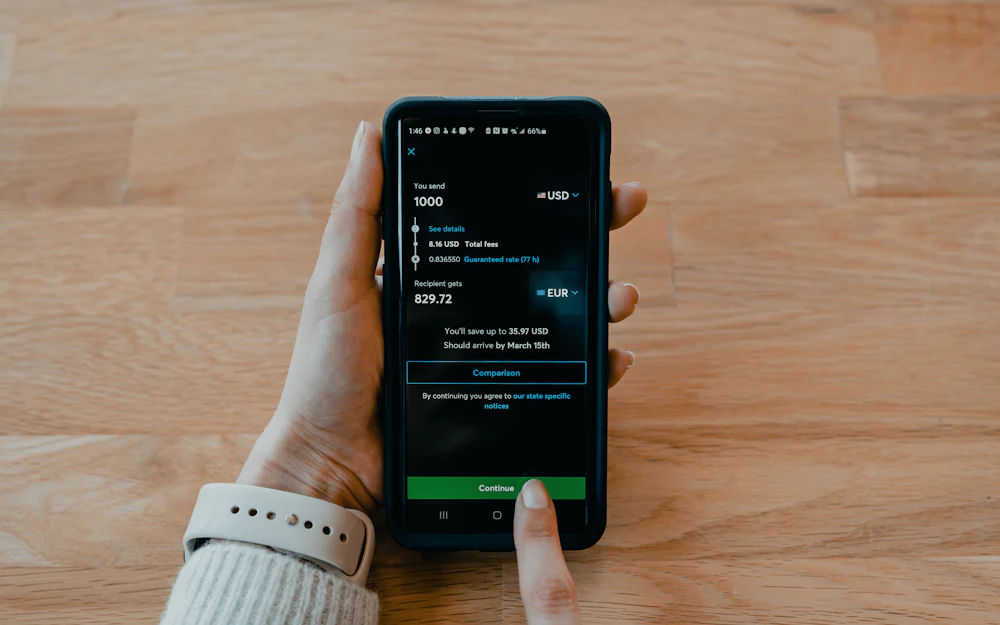
Everything happens inside the Remittance Bridge environment. Each role works on the Remittance Core, which reaches local banks, local remittance and offshore networks through the SNAP interface and other interfaces, with a CDD/KYC provider for customer checks.
Inside the environment
Remittance Bridge
Roles
Remittance Core
Interfaces
Connected to
Inside the environment
Remittance Bridge
Roles
Remittance Core
Interfaces
Connected to
Teller
The teller handles international and regional transfers. Both follow the same three stages: request initiation, invoice, and payment.
Send money abroad, in the destination country’s currency.
Choose the destination country and currency, then enter the amount in rupiah or in the destination currency. The teller fills in the sender, the receiver and the transfer details: transfer type, destination bank and account.
The invoice shows the sender, the beneficiary and the exchange rate, which stays valid for a limited time and is locked once the transaction is committed.
The teller records the payment, or cancels the request.
Choose the destination country and currency, then enter the amount in rupiah or in the destination currency. The teller fills in the sender, the receiver and the transfer details: transfer type, destination bank and account.
The invoice shows the sender, the beneficiary and the exchange rate, which stays valid for a limited time and is locked once the transaction is committed.
The teller records the payment, or cancels the request.
Send money within Indonesia, collected at a cash-out partner.
Find the sender and the recipient by their national ID number (NIK), enter the amount, and choose the cash-out partner where the recipient collects the money.
The invoice lists the transfer amount, the admin fee, the grand total and what the recipient will receive.
The teller records the payment, or cancels the request.
Find the sender and the recipient by their national ID number (NIK), enter the amount, and choose the cash-out partner where the recipient collects the money.
The invoice lists the transfer amount, the admin fee, the grand total and what the recipient will receive.
The teller records the payment, or cancels the request.
Layered approval
A transfer request created by the teller has to be validated by a checker and approved by an approver before it is sent — for international and regional transactions alike.
Initiate
Validate or invalidate
Approve or reject
On its way
TellerInitiate
CheckerValidate or invalidate
ApproverApprove or reject
SentOn its way
An invalidated or rejected request stops where it is and is never sent.
Admin
Admins configure where money moves: the bank connections used to send transfers, and the cash-out partners where recipients collect them.
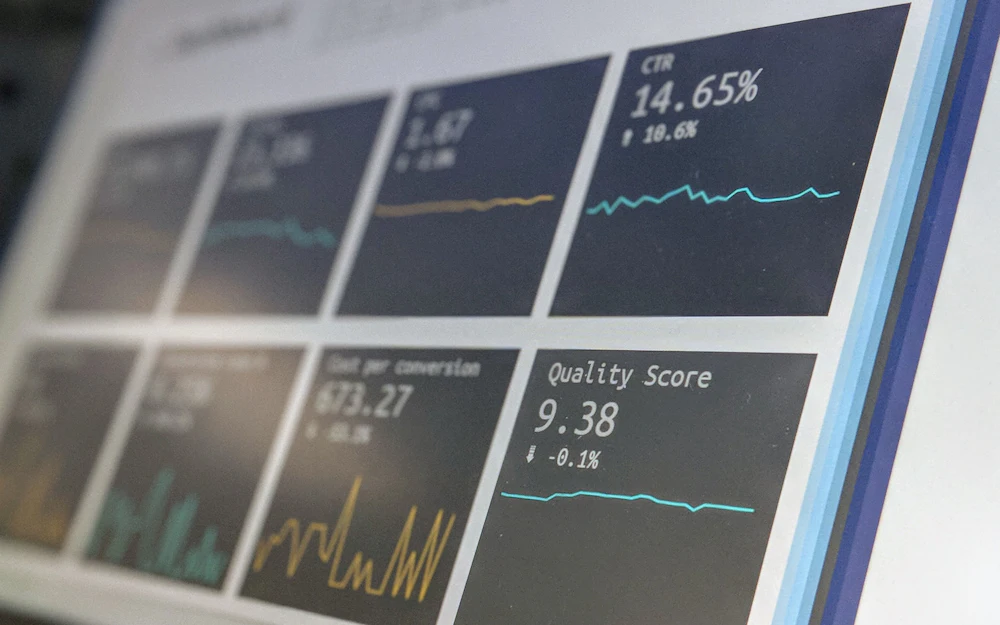
Manage the bank accounts and connections Remittance Bridge uses to move funds.
Register partner outlets, each linked to a bank account, where recipients of regional transfers collect their money.
Everything you need to know about Remittance Bridge.